
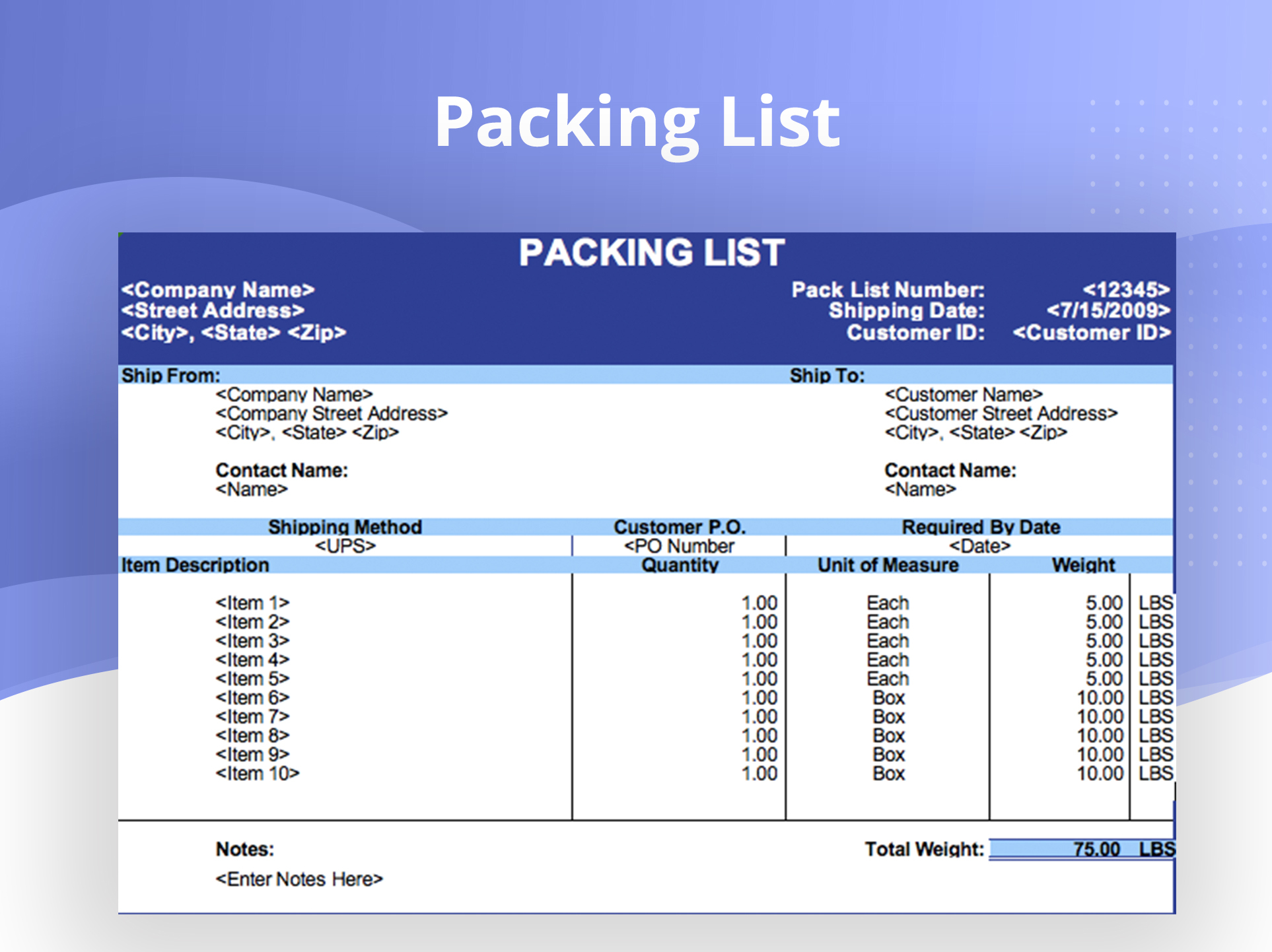
 January 9, 2026
 11 min read
In the high-velocity world of global trade, operational speed is the primary driver of profitability. Yet, many enterprises remain tethered to antiquated, paper-based workflows. Relying on static PDF files and physical documents creates a massive bottleneck for modern supply chains. To eliminate these frictions, industry leaders are moving to convert Packing List to Excel, transforming unstructured data into actionable digital intelligence.
By choosing to convert Packing List to Excel, you are not simply digitizing a document; you are building a resilient data infrastructure. This transition ensures that your cargo records achieve 100% accuracy while significantly reducing the time required for warehouse check-ins and customs processing.
1. Why Manual Data Entry is the “Silent Killer” of Logistics Efficiency
In logistics, time latency is a structural risk. When businesses fail to convert Packing List to Excel and instead use manual workflows, they expose themselves to the “silent killer” of efficiency: manual data entry.
-
Transcription Errors: Human staff, even when highly trained, are prone to fatigue. A single mistyped SKU or an incorrect quantity can result in a customs rejection or a lost shipment at the port.
-
The Cost of Latency: Manually typing line items into an ERP or WMS system can take hours. For a high-volume warehouse, this translates into thousands of lost labor hours every year.
-
Scalability Bottlenecks: Manual labor does not scale. During peak shipping seasons, the sheer volume of paperwork often leads to burnout and operational paralysis.
Utilizing shipping list digitization and the ability to convert Packing List to Excel is the only way to safeguard your supply chain against these risks.
2. The AI Engine: How Packing List OCR Extracts Intelligence
[caption id="attachment_315" align="alignnone" width="800"]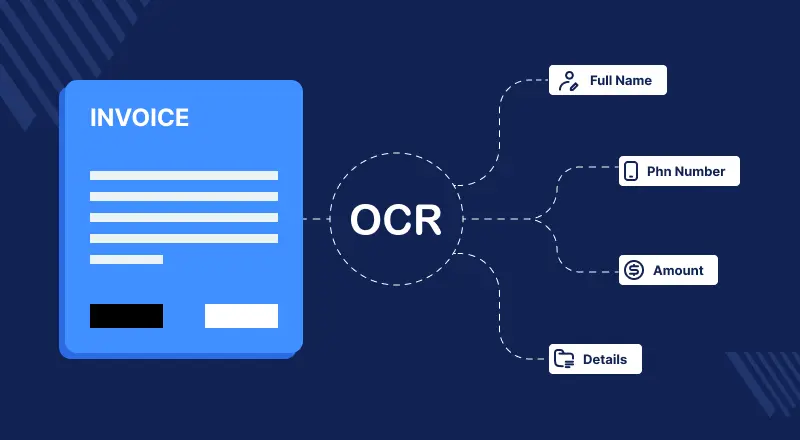 How Packing List OCR Extracts Intelligence[/caption]
The technology behind the ability to convert Packing List to Excel has evolved from basic character recognition to Intelligent Document Processing (IDP). Modern Packing List OCR uses deep learning to understand the complex spatial relationships within a document.
Handling Non-Standard Layouts
Unlike other documents, packing lists vary wildly between suppliers. One might use a vertical grid, while another uses a multi-page horizontal table. An advanced engine to convert Packing List to Excel utilizes “template-less” extraction. It identifies the meaning of the data—recognizing that a 10-digit number next to a “Net Weight” label is a critical data point, regardless of where it is placed on the page.
Mathematical Validation
AI-powered logistics document management does more than just read; it verifies. The system cross-checks the math across the entire document when you convert Packing List to Excel, ensuring that the sum of individual carton weights matches the gross weight listed on the header.
3. Critical Data Entities: What to Extract
A professional approach to shipping list digitization requires the extraction of specific data entities. When you convert Packing List to Excel, the system should prioritize:
-
Shipment Identifiers: Invoice numbers, PO numbers, and Bill of Lading (B/L) links.
-
Cargo Specifics: SKU numbers, granular product descriptions, and HS codes.
-
Packaging Metrics: Carton counts, pallet types, and unique shipping marks.
-
Measurements: Dimensions (L x W x H) and total Volume (CBM).
-
Weights: Precise Net Weight and Gross Weight calculations.
Moving these entities from a Packing List to Excel creates a structured dataset that can be instantly filtered, sorted, and audited.
4. The Step-by-Step Automation Workflow
Transitioning to a digital-first model to convert Packing List to Excel follows a logical, secure progression:
-
Document Ingestion: Batch uploading files via cloud portals, API, or email.
-
AI-Powered Scrape: The Packing List OCR engine identifies and scrapes all tabular data.
-
Human-in-the-Loop (QA): A brief validation stage where a human reviewer confirms any low-confidence characters, ensuring 99%+ accuracy.
-
Structured Export: The final stage where you convert Packing List to Excel, mapped directly to your company’s custom spreadsheet template.
This workflow is recognized by international standards bodies such as the International Organization for Standardization (ISO) as a best practice for digital supply chain resilience.
5. Strategic Benefits for Warehouse and Inventory Management
When you convert Packing List to Excel, the strategic advantages ripple through every department:
Instant WMS Integration
Feeding your digital data directly into your Warehouse Management System (WMS) speeds up the receiving process by up to 80%. When you convert Packing List to Excel, there is no more waiting for a clerk to finish typing; the goods are ready for put-away the moment they arrive.
Eliminating “Ghost Inventory”
Inaccurate records lead to “ghost inventory”—items that are on the shelf but not in the system. Shipping list digitization ensures that your system of record matches the physical inventory, preventing overstocking and stockouts.
6. Integrating into the Global Logistics Ecosystem
Your data should be a bridge, not a silo. Once you convert Packing List to Excel, the structured data can be integrated into larger ecosystems:
-
ERP Sync: Automatically update SAP, Oracle, or Microsoft Dynamics.
-
EDI Connectivity: Share data instantly with global freight forwarders and carriers.
-
Automated Labeling: Use the extracted quantities from your convert Packing List to Excel workflow to generate pallet labels instantly.
7. Best Practices for Choosing a Packing List OCR Tool
Not all tools are created equal. When selecting a partner to convert Packing List to Excel, look for these three pillars:
-
Accuracy Threshold: Ensure the tool offers a 99% accuracy guarantee or higher.
-
Security Compliance: Look for SOC2 or GDPR compliance to protect your sensitive commercial trade data.
-
Scalability: The system must handle thousands of pages in minutes to support your peak season volumes.
Conclusion: Bridging the Gap Between Physical Goods and Digital Intelligence
The digital transformation of the supply chain is no longer an option—it is a necessity for survival. By choosing to convert Packing List to Excel, you eliminate the manual roadblocks that slow down modern commerce. You gain total visibility, reduce operational costs, and achieve 100% cargo accuracy.
Do not let antiquated habits hold back your company’s potential. Implement a workflow to convert Packing List to Excel today and put your logistics management on autopilot. The transition from paper to an actionable spreadsheet is essential for the future of global trade.
Why imgtoexcel.com is The Right Solution For You?
At imgtoexcel.com, we are the leading experts in shipping list digitization. Our platform leverages state-of-the-art Packing List OCR to handle even the most complex multi-page documents with surgical precision.
We help you convert Packing List to Excel efficiently, ensuring that your logistics document management is both secure and highly efficient. Trust our AI-driven technology to convert Packing List to Excel and turn your messy PDFs into clean, analysis-ready data in seconds.


