
 January 21, 2026
 11 min read
In the modern corporate landscape, the era of massive metal filing cabinets and paper-cluttered desks is rapidly coming to an end. Storing sensitive information in physical folders is not only inefficient but also poses a significant risk to organizational agility. To remain competitive, forward-thinking companies are embracing HR Digitization—a strategic transition that turns physical records into a smart, searchable, and secure digital workspace.
Modernizing employee records is the first step toward building a high-performance HR department. By adopting a paperless HR ecosystem, you enable your team to focus on what truly matters: people and organizational culture, rather than the search for lost folders.
1. The Critical Challenges of Manual Employee Records Management
Relying on physical record-keeping is a bottleneck for any growing business. The risks associated with manual systems are multi-faceted:
-
Vulnerability to Disasters: Physical documents are susceptible to fire, flood, and decay. Without HR Digitization, a single incident could destroy years of critical corporate data.
-
Operational Inefficiency: HR professionals spend an average of 30% of their time on administrative tasks. Walking to filing cabinets and searching through thousands of pages is a massive drain on productivity.
-
Security Gaps: It is nearly impossible to track who has viewed or copied a physical piece of paper. In an era of strict data privacy laws, manual folders are a liability.
-
Compliance Hurdles: Labor laws require constant updates to employee files. Checking thousands of folders by hand for missing documents or expired permits is a logistical nightmare.
2. Leveraging HR Document Scanning to Digitize HR Files
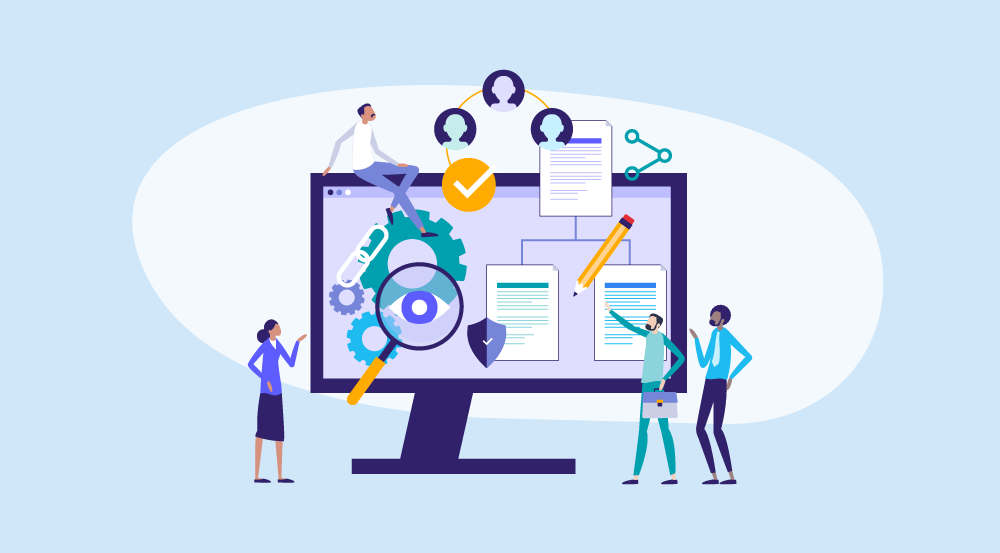
[caption id="attachment_304" align="alignnone" width="700"] Leveraging HR Document Scanning to Digitize HR Files[/caption]
The journey to a digital office begins with a robust conversion process. HR document scanning is the technological engine that drives this transformation.
By using high-speed HR document scanning combined with Optical Character Recognition (OCR), you can digitize HR files into fully searchable text formats. This means you no longer need to remember which drawer a contract is in; you simply search for a keyword or employee ID and find the file in seconds.
Choosing the Right Infrastructure
When you decide to digitize HR files, you must choose between cloud-based and on-premise storage. Most enterprises today prefer the cloud due to its scalability and the ability to support remote work. HR Digitization ensures that whether your managers are in the office or working from home, they have secure access to the data they need.
3. The Anatomy of a Modern Employee Database Management System
A successful HR Digitization project creates a 360-degree view of the workforce. A comprehensive digital record should include:
-
PII (Personally Identifiable Information): Securely stored names, addresses, and tax IDs.
-
Lifecycle Documentation: Onboarding files, offer letters, and training certificates.
-
Performance Metrics: Digital reviews and promotion letters that track a worker’s growth over time.
-
Offboarding Records: Resignation letters and exit interview notes for historical reference.
Effective employee database management connects these files to your payroll and benefits systems, ensuring that every person in your organization is paid accurately and on time.
4. A Strategic Workflow for Paperless HR
Transitioning to paperless HR is a logical process that requires a clear workflow to ensure no data is lost or compromised:
-
Capture and Import: Utilizing HR document scanning to ingest legacy archives and new digital hires.
-
Validation: Ensuring the OCR output is accurate and the data is clean.
-
Role-Based Access Control (RBAC): Setting permissions so only authorized personnel can view sensitive employee records.
-
Maintenance and Alerts: The system should automatically flag expiring work permits or upcoming contract renewals.
-
Retention and Disposal: Automated purging of files according to international standards such as GDPR Compliance. (Note: This is your Dofollow external link to an authoritative source).
5. Security and Compliance in HR Digitization
Protecting your employees’ privacy is a legal mandate. HR Digitization provides far superior security compared to paper:
-
Advanced Encryption: Keeping data safe “at rest” and “in transit.”
-
Audit Trails: Maintaining a transparent log of every individual who has accessed or edited a file.
-
Disaster Recovery: Automated backups ensure your employee records are safe even if your main office faces an emergency.
-
Legal Transparency: Digital systems make it simple to prove compliance during a labor audit, as all files are organized and instantly retrievable.
6. Strategic Benefits: Why ROI Starts with Paperless HR
Modernizing your office is an investment that pays off in multiple ways:
Enhanced Employee Experience
Paperless HR allows for self-service portals. Employees can update their personal information or view their benefits without filling out paper forms, leading to higher satisfaction and engagement.
Data-Driven Insights
With employee database management, HR becomes a strategic partner. You can analyze turnover trends, identify skill gaps, and predict future hiring needs based on real-time data rather than guesswork.
Agility and Cost Reduction
By choosing to digitize HR files, you eliminate the costs of paper, ink, and expensive office space dedicated to storage. Furthermore, your organization becomes more agile, supporting remote and hybrid work models with ease.
7. Implementation Roadmap for Success
How do you start modernizing employee records? Follow this roadmap:
-
Audit: Identify which paper files are critical and which can be archived.
-
Vendor Selection: Look for a partner who specializes in HR document scanning and secure storage.
-
Migration: Move your records in batches to ensure data integrity.
-
Training: Culture is the key to HR Digitization. Train your staff to feel confident in the new digital workspace.
Conclusion: Transform Your Employee Records into a Strategic Asset
Modernizing your employee records is more than just a technology upgrade; it is a commitment to professional excellence. By embracing HR Digitization, you protect your data, save time, and empower your HR team to drive real business growth.
Don’t wait for a lost file or a compliance audit to make the change. Start your journey toward a paperless HR office today and experience the speed and security of a modern digital environment.
Why imgtoexcel is the Right Solution for You?
At imgtoexcel, we specialize in high-speed HR document scanning and intelligent employee database management. Our platform is designed to help you digitize HR files with 99.9% accuracy, ensuring that your transition to HR Digitization is seamless and secure.
Whether you are a small startup or a large enterprise, imgtoexcel provides the tools you need for a successful paperless HR transformation. Trust us to handle your employee records with the highest level of care and professional security.
Ready to Modernize Your HR Office?
-
[Get a Free Quote] – Custom HR Digitization plans for your business.
-
[Start Free Trial] – Experience HR document scanning with your first 50 pages now!


